Documentation

search

Search

  • rocket_launch

    Get started

    • Installation
      add
    • Fundamentals
      add
    • First steps
      add
  • code

    Develop

    • Concepts
      add
    • API reference
      remove
      • PAGE ELEMENTS
      • Text elements
        add
      • Data elements
        add
      • Chart elements
        add
      • Input widgets
        add
      • Media elements
        add
      • Layouts and containers
        add
      • Status elements
        add
      • APPLICATION LOGIC
      • Navigation and pages
        remove
        • Jt.navigation
        • Jt.page
        • Jt.pageLinklink
        • Jt.switchPage
      • Execution flow
        add
      • Caching and state
        add
      • Connections and secrets
      • Custom components
      • TOOLS
      • App testinglink
      • Command line
        add
    • Quick reference
      add
  • web_asset

    Deploy

    • Concepts
      add
    • Railway
    • Embed your app
  • school

    Knowledge base

    • FAQ
  • Home/
  • Develop/
  • API reference/
  • Navigation and pages

Navigation and pages

screenshot

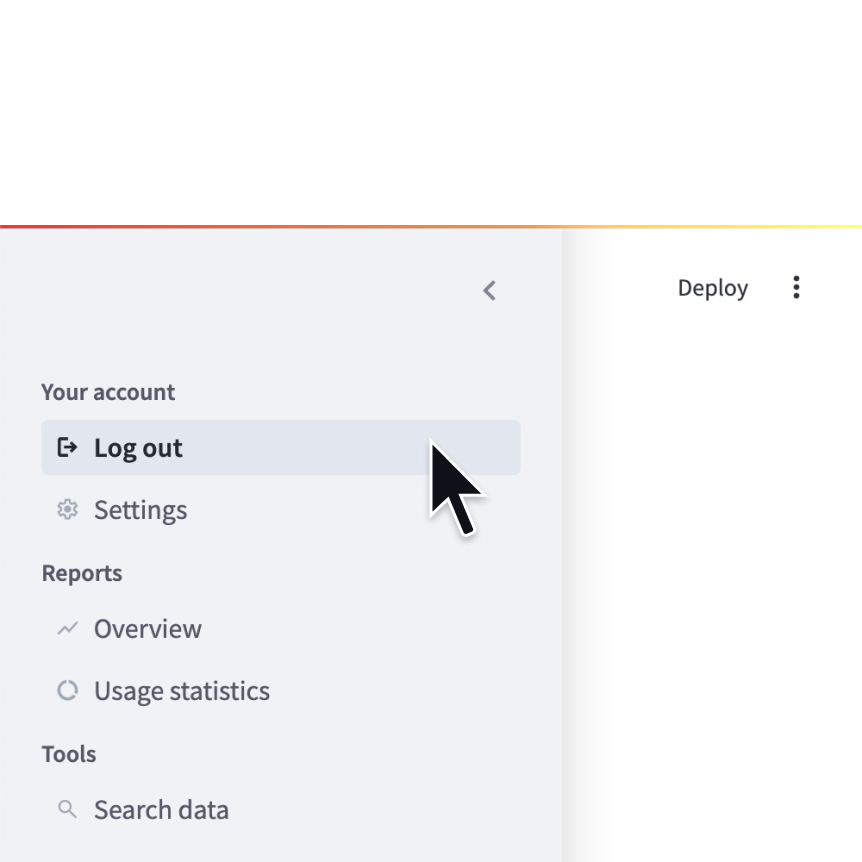
Navigation

Configure the available pages in a multipage app.

var currentPage = Jt.navigation( Jt.page("/dashboard", DashboardPage::app).title("Home").home(), Jt.page("/users", () -> users()).icon("👥"), Jt.page("/queries", () -> {Jt.title("Queries").use(); ...})) .use(); currentPage.run();

screenshot

Page

Define a page in a multipage app.

Jt.page("/settings", () -> settings()) .title("Settings") .icon(":settings:");
screenshot

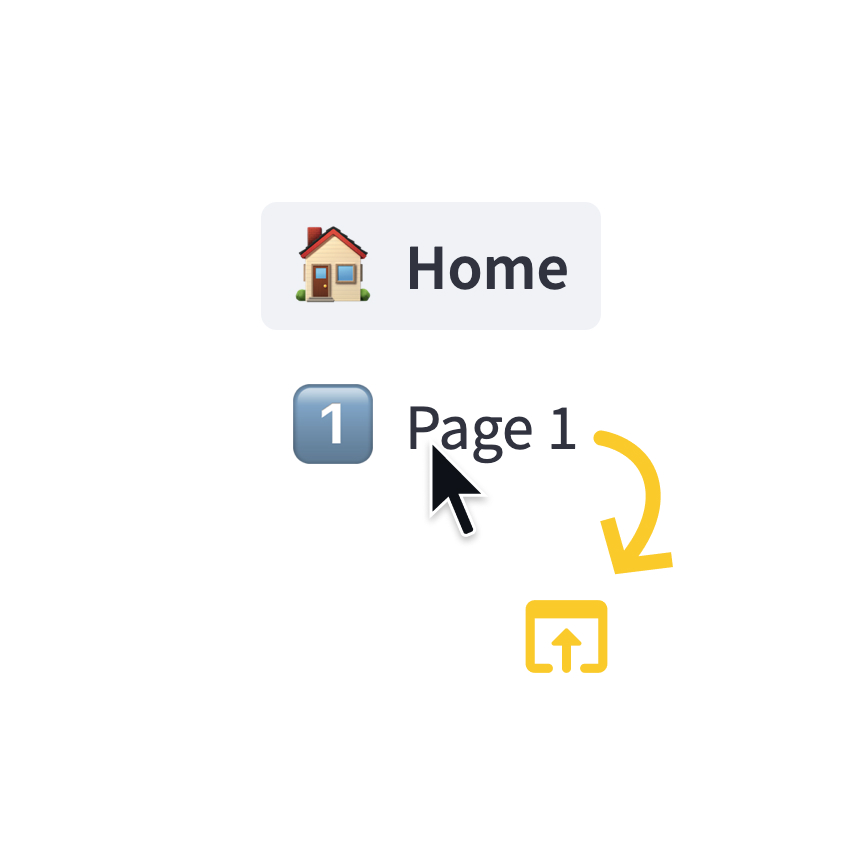
Page link

Display a link to another page in a multipage app.

Jt.pageLink("/dashboard").use(); Jt.pageLink("/users").label("See Users").use(); // external page Jt.pageLink("https://github.com/javelit/javelit", "Github project").icon(":link:").use();

Switch page

Programmatically navigates to a specified page.

Jt.switchPage("/users"); // go home Jt.switchPage(null);
Previous: Status elementsNext: Jt.navigation
forum

Still have questions?

Go to our discussions forum for helpful information and advice from Javelit experts.


HomeContact UsCommunity
© 2025 Javelit - Cyril de Catheu